How to View Your Pet's Pulse on WAGGURACY
PHAST 1's pulse tracking feature allows you to keep a close eye on your pet's pulse, providing valuable insights into their habit and well-being.
Here's a brief guide on how to check your pet's pulse using WAGGURACY:
Open the WAGGURACY App:
Start by downloading and installing the WAGGURACY app on your smartphone, then log in to your account.
Select Your Pet:
Within the app, navigate to your list of registered pets.
Access Your Pet's Habit Data:
Click on the name or image of the pet you want to monitor to access their profile.
View Pulse Data:
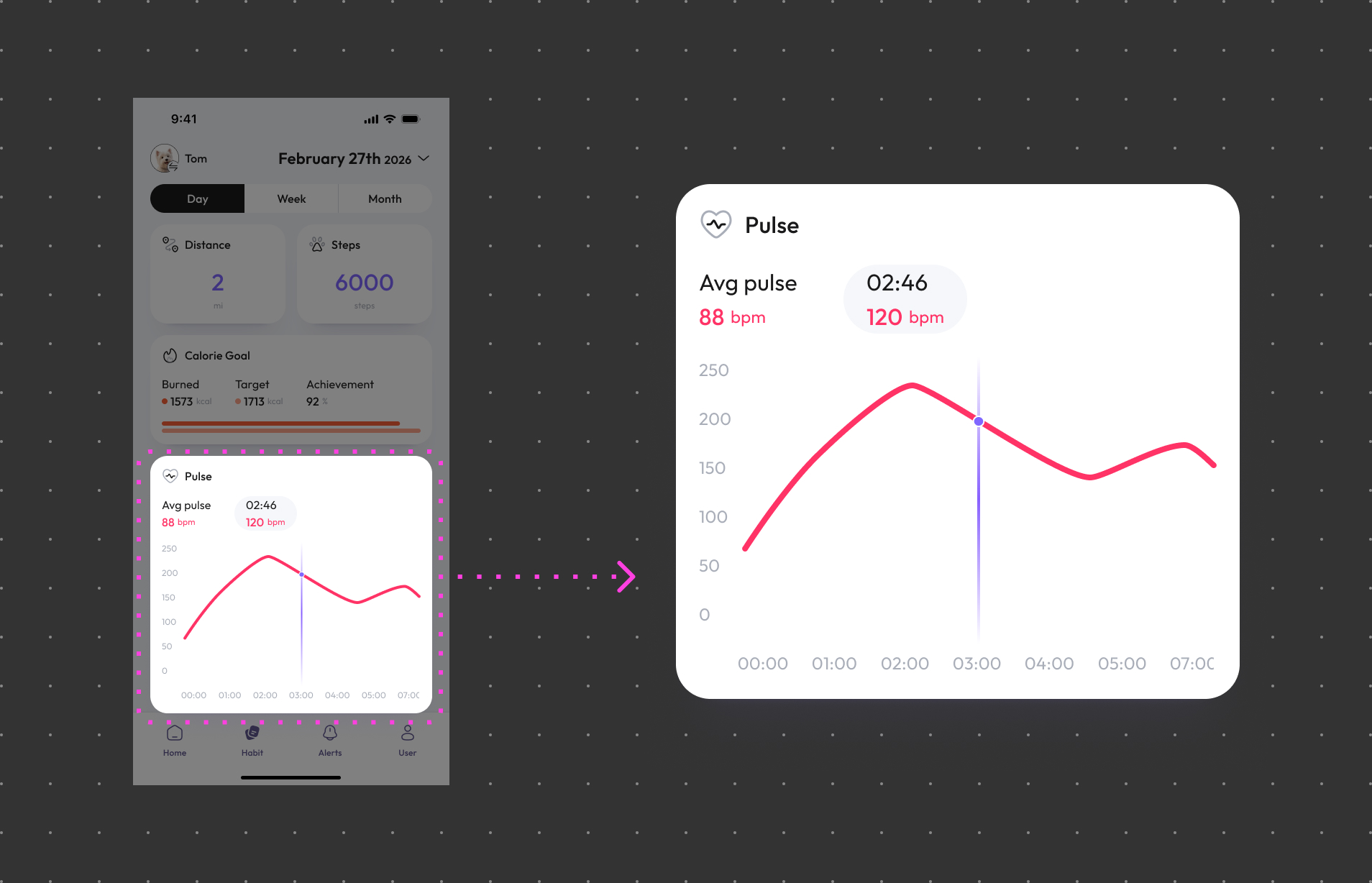
On Habit page, you can find information about their instant sync pulse trend, typically displayed as beats per minute (bpm), allowing you to see your pet's current pulse at any time.
Set Up Pulse Alerts:
You may have the option to configure pulse alerts, so you'll receive notifications if your pet's pulse becomes abnormal, allowing you to take action.
Pulse Trends:
The app typically provides insights into your pet's pulse trends and historical data, helping you better understand your pet’s pulse patterns over time.