Instant Sync Pulse Tracking
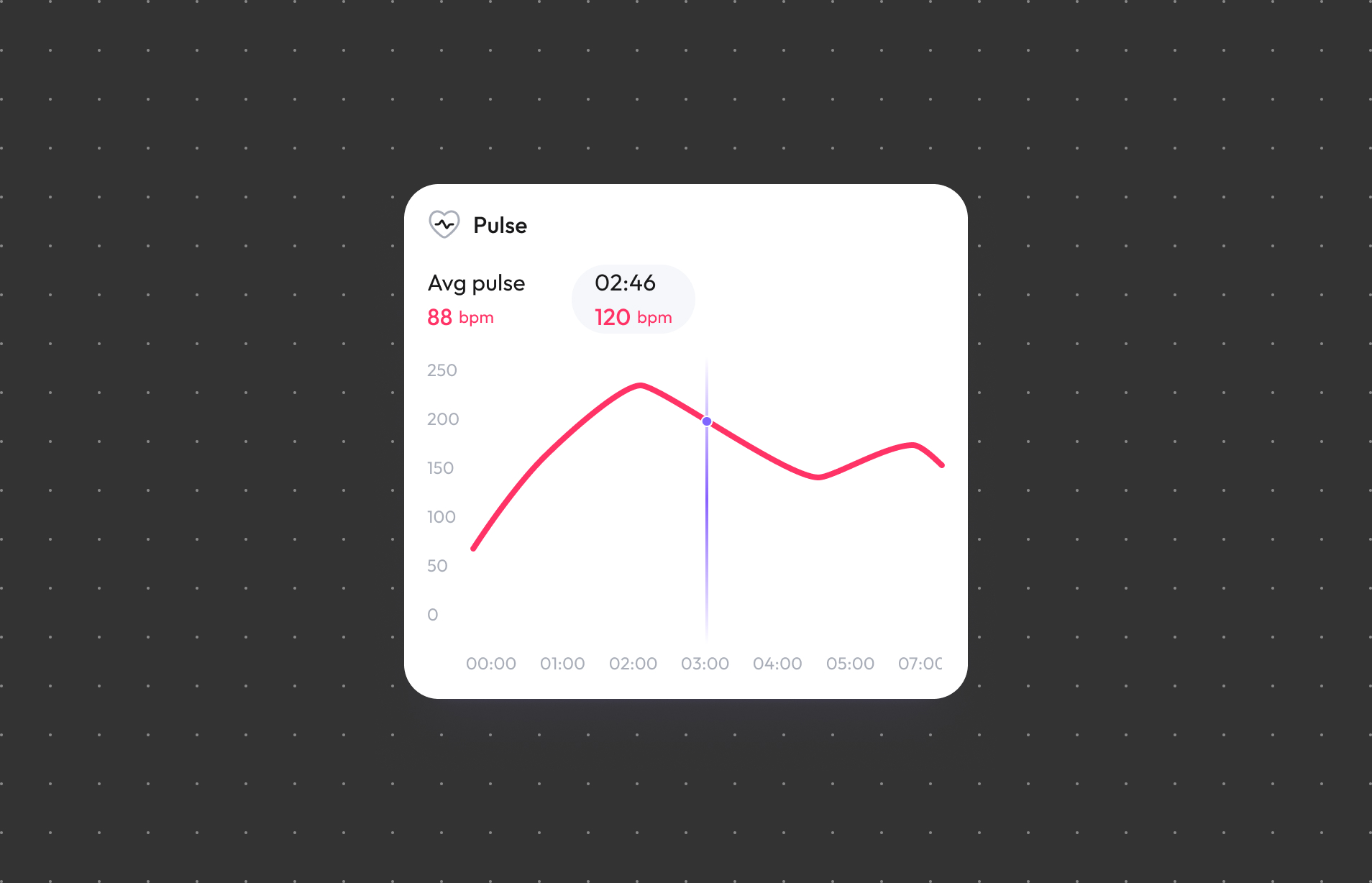
WAGGURACY features a built-in high-sensitivity pulse sensor that provides instant sync pulse readings and continuous trend tracking for your pet — helping you keep an eye on their daily wellbeing at a glance.
Benefits:
- Instant Pulse Reading: A high-sensitivity pulse sensor delivers on-demand pulse data with a single tap in the app.
- Continuous Trend Tracking: Tracks pulse trends over time so you can easily review daily, weekly, and longer-term patterns.
- Multi-Range Visual Cues: The app displays different colors for different pulse ranges, helping you quickly understand your pet's current status.
- Activity & Rest Context: Pulse readings are paired with activity and rest context (e.g., active play, sleep), making trends easier to interpret in daily life.
- Pet-Specific Design: The pulse sensor utilizes an adaptive algorithm specifically designed for pets. DO NOT use it on humans or non-living surfaces.
Pulse Range Indicators:
| Pulse Range | Color |
|---|---|
| Low | |
| Normal | |
| High |
Notes on Pulse: A pet’s pulse may vary depending on factors such as age, breed, activity level, and emotional state. Pulse levels may increase during play or exercise and decrease during rest. Color indicators are provided for quick visual reference only and are not intended to represent diagnostic thresholds or medical assessments.
Important Notes / Disclaimers
NOT A MEDICAL DEVICE. This product is a general wellness device and is not intended for medical use. All data (including pulse readings and trends) is provided for daily reference only. Due to sync intervals and environmental factors, data may not be displayed in absolute instant sync. This device should not be used for medical diagnosis or to replace professional veterinary advice. For any concerns about your pet's health, please consult a veterinarian.
How to use:
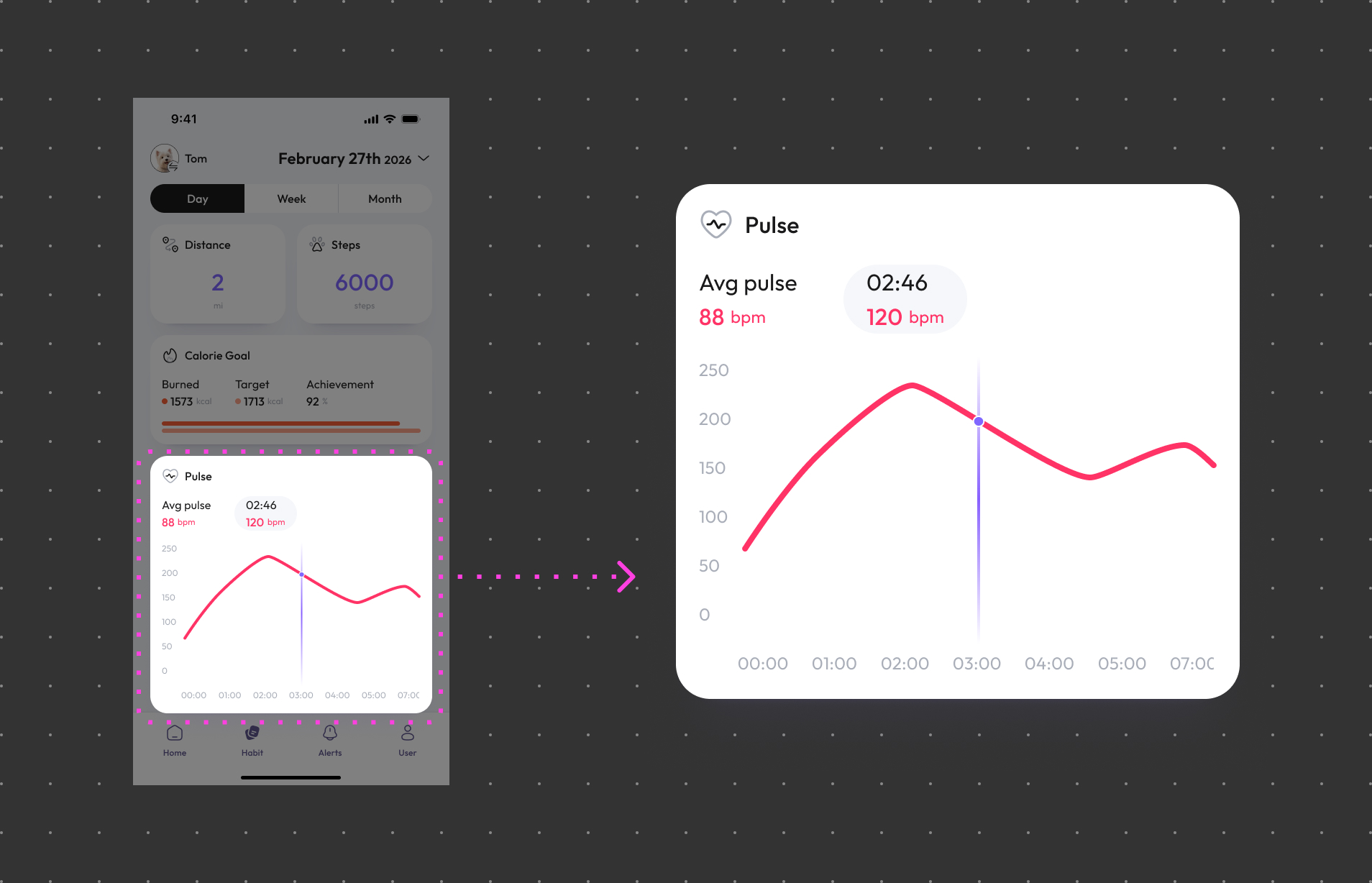
- Access the Feature: Open the WAGGURACY app on your Android or iOS device and log in.
- Navigate to Pulse: Tap on the Habit section in the app's menu.
- Select Your Pet: If you have multiple pets registered in the app, choose the pet whose pulse you want to view.
- View Instant Sync Reading: Tap to start an instant sync pulse reading, or review historical trends on the trend chart.
This feature requires a compatible WAGGURACY device with pulse tracking capability and a stable connection to the app. Pulse data is provided for general reference only. Consult a veterinarian for professional guidance on interpreting your pet’s pulse data.